Spend Crypto, Pay Like a Local

Make everyday payments with digital assets, just like paying locally

Bridging Digital Assets And Local Commerce

Connect To Leading Local QR Payment Networks Across Multiple Countries And Regions, Making Digital Assets Part Of Everyday Payments

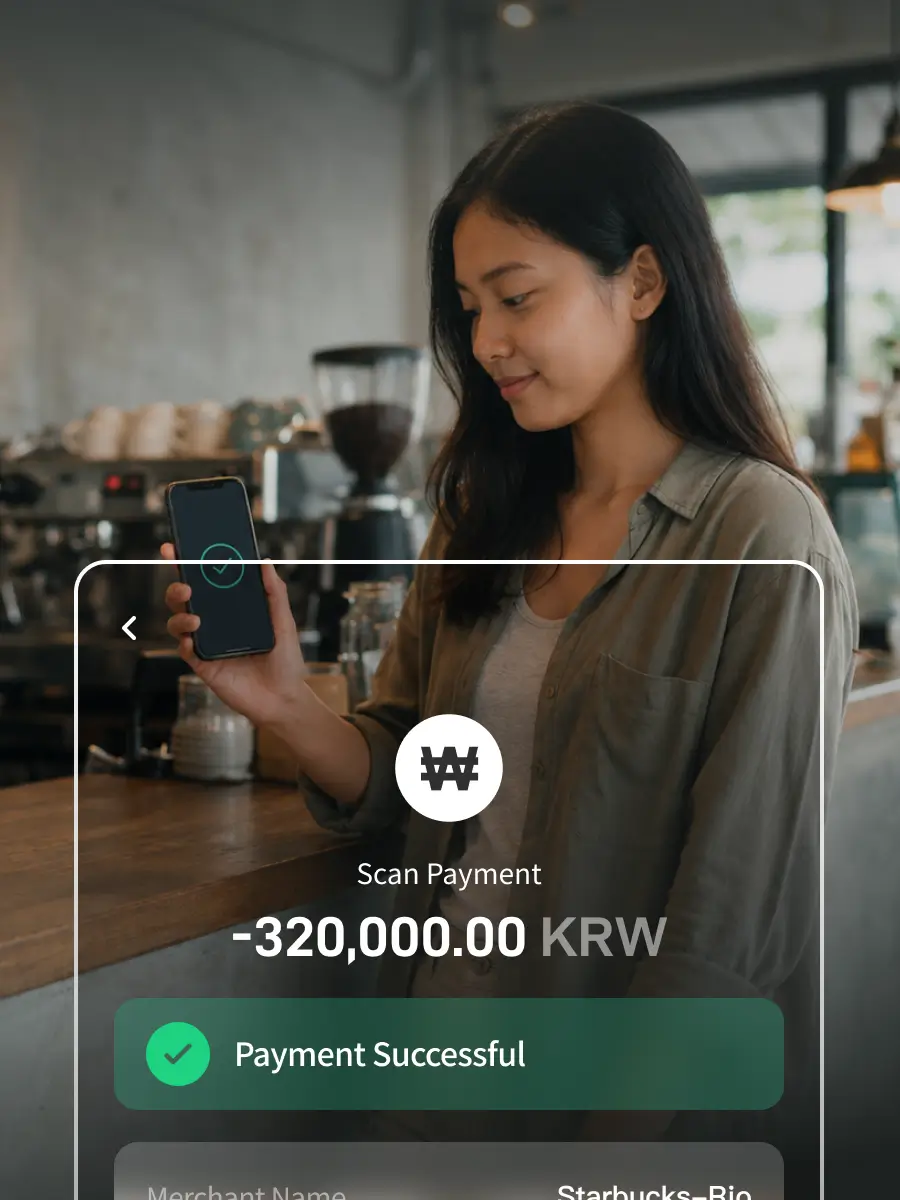
Merchant Receives Local Currency

Merchant Receives Local Currency

Pay with stablecoins while merchants receive local fiat, without changing how they already accept payments.
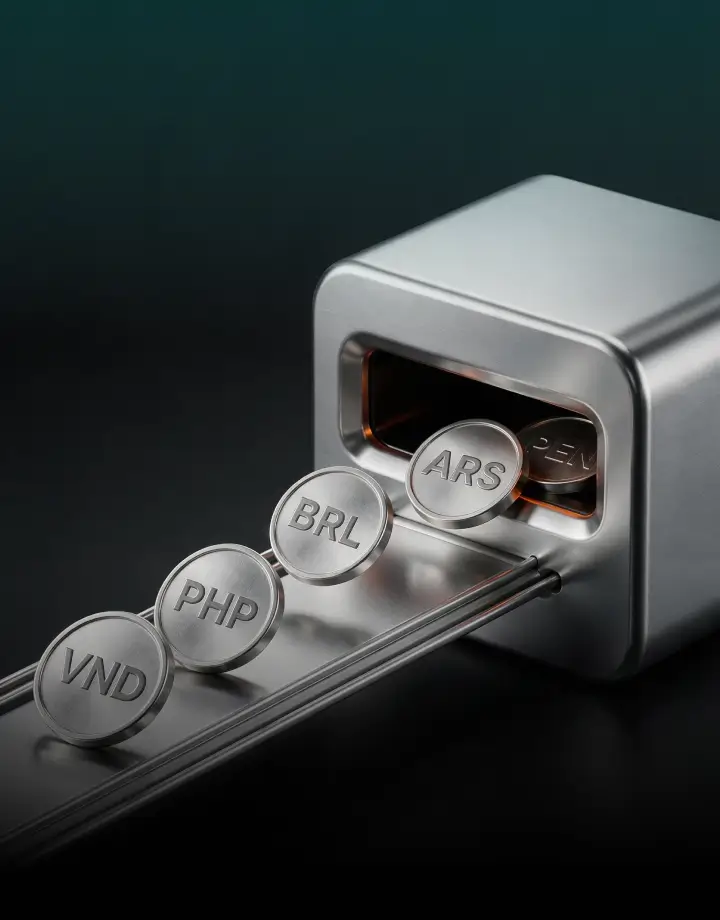
Direct Stablecoin Payments

Direct Stablecoin Payments

Pay directly with USDT or USDC without converting to fiat, making everyday spending simple and convenient
Connected To Local QR Payment Networks

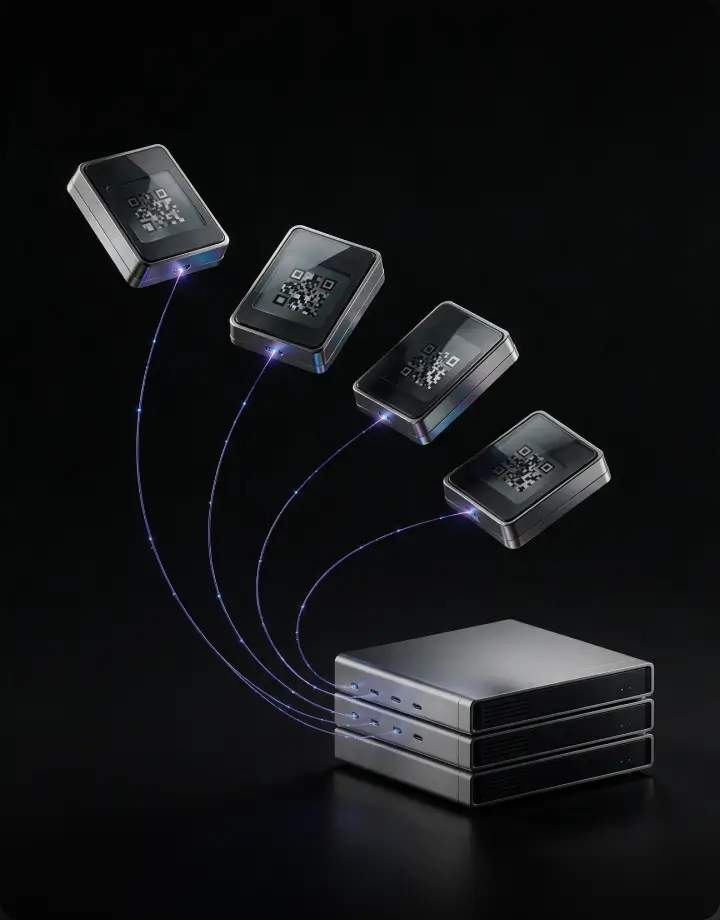
Connected To Local QR Payment Networks

Connect to leading local QR payment networks such as VietQR, PIX and QR Ph, bringing stablecoins into everyday spending.

Supported Local QR Payment Networks

VietQR
VietQR · Vietnam
VNPAY
VNPAY · Vietnam
QR Ph
QR Ph · Philippines
PIX
PIX · Brazil
Transferencias 3.0
Transferencias 3.0 · Argentina
Yape
Yape · Peru

Just Four Steps To Complete Stablecoin QR Payments

Step 1: Open BKJ AppStep 2: Scan The Merchant QR CodeStep 3: Enter Amount & Select USDT / USDCStep 4: Complete Payment
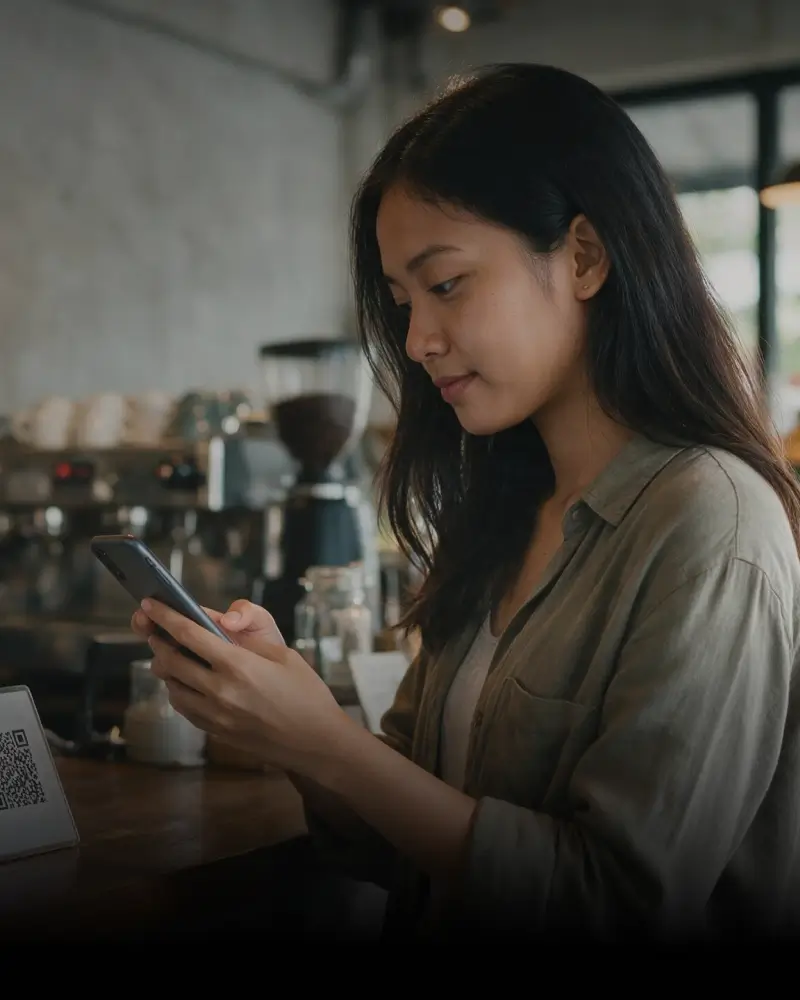
Step 1: Open BKJ App
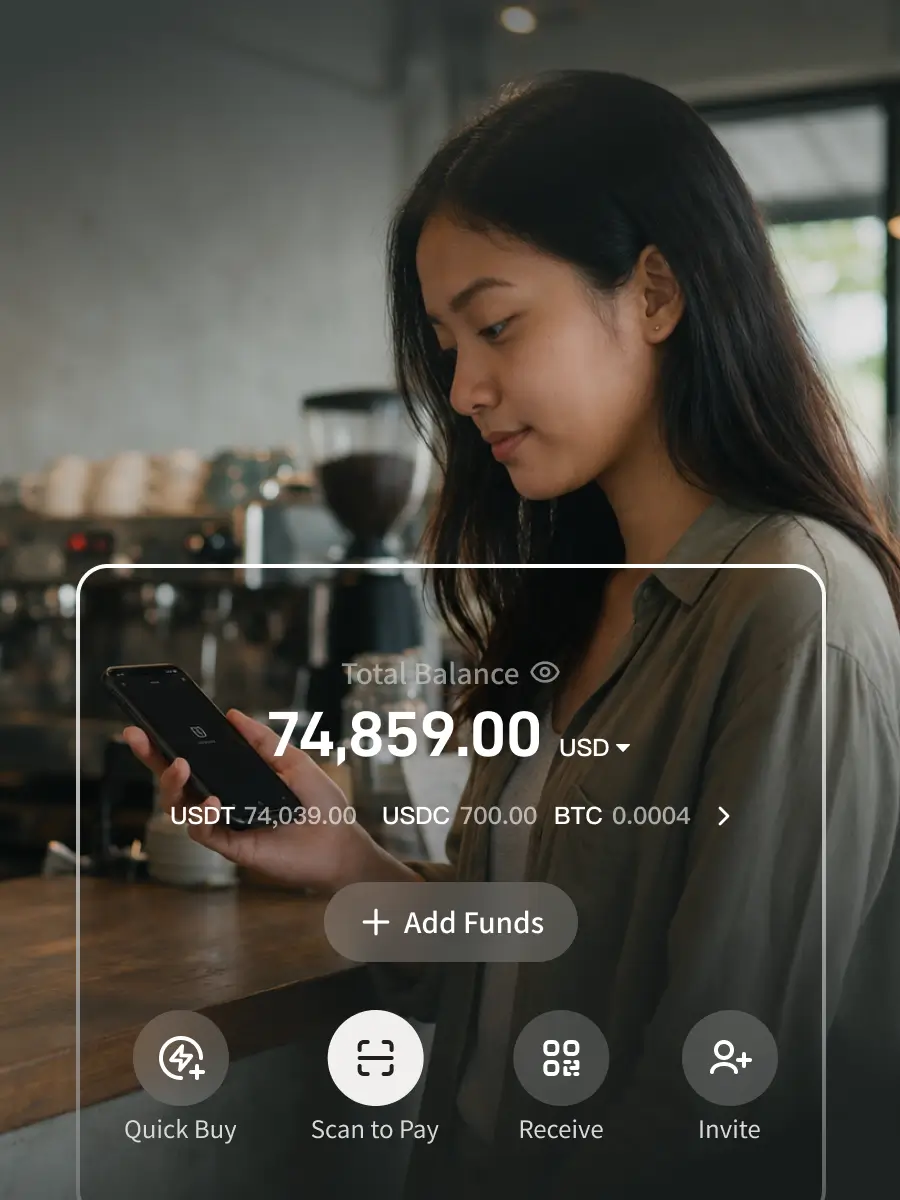
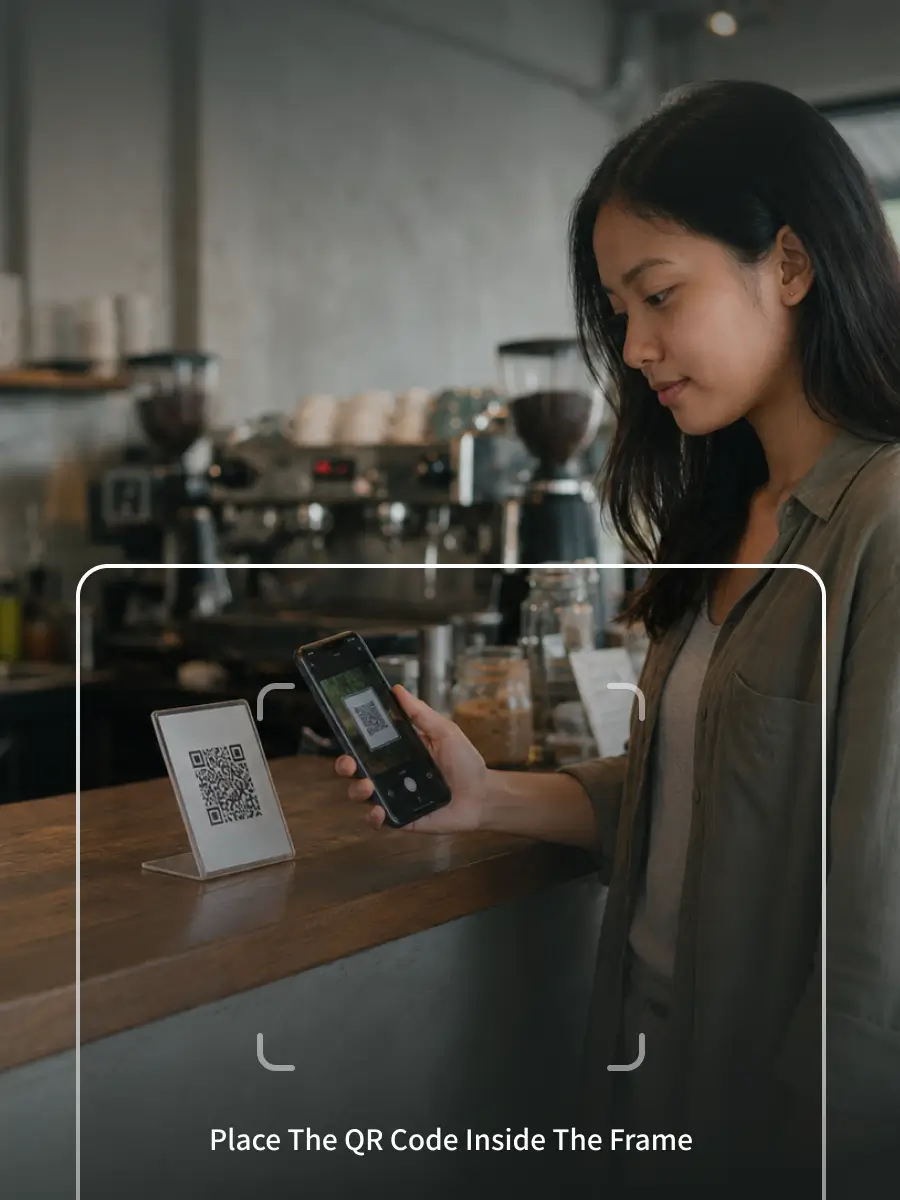
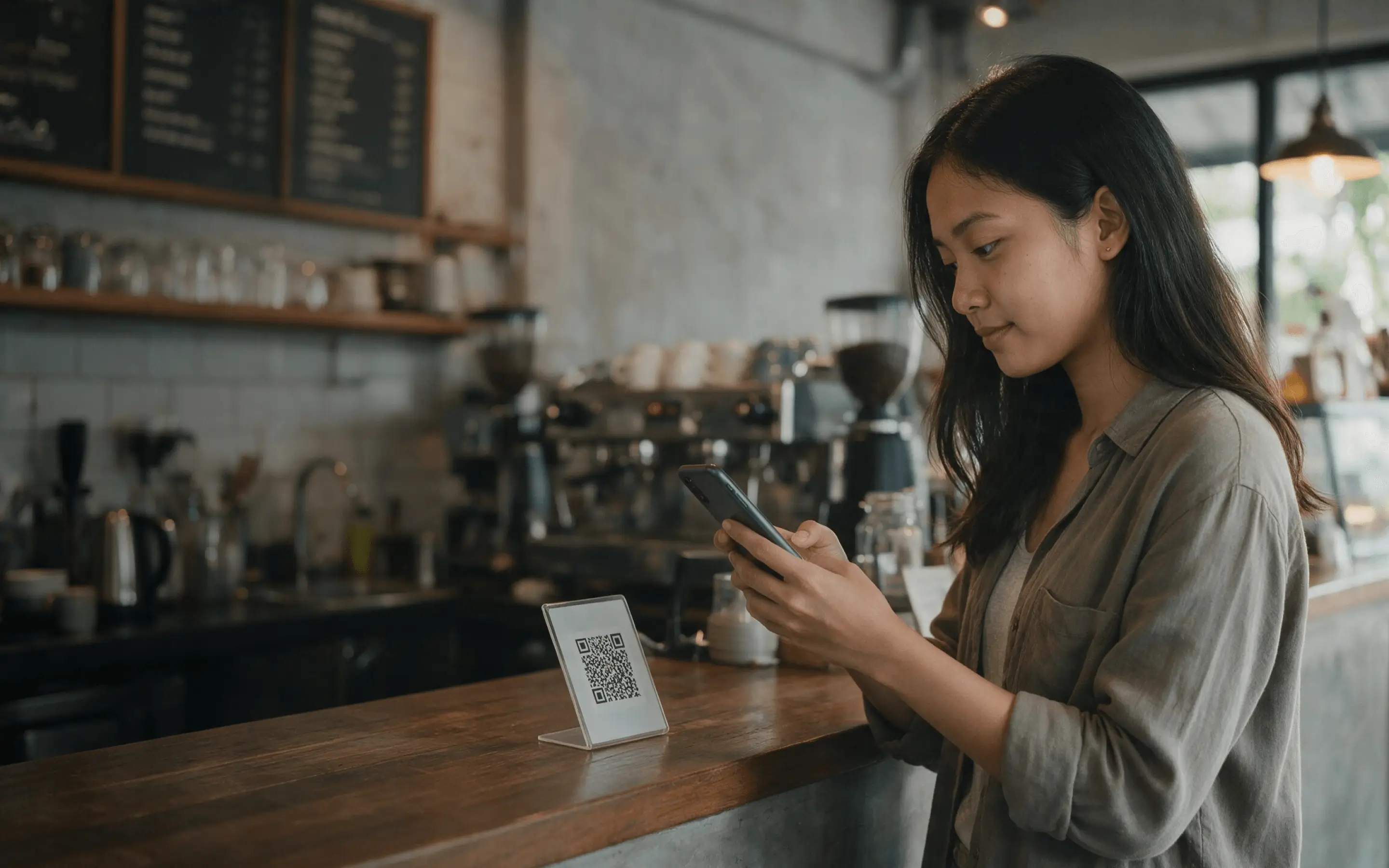
Step 2: Scan The Merchant QR Code
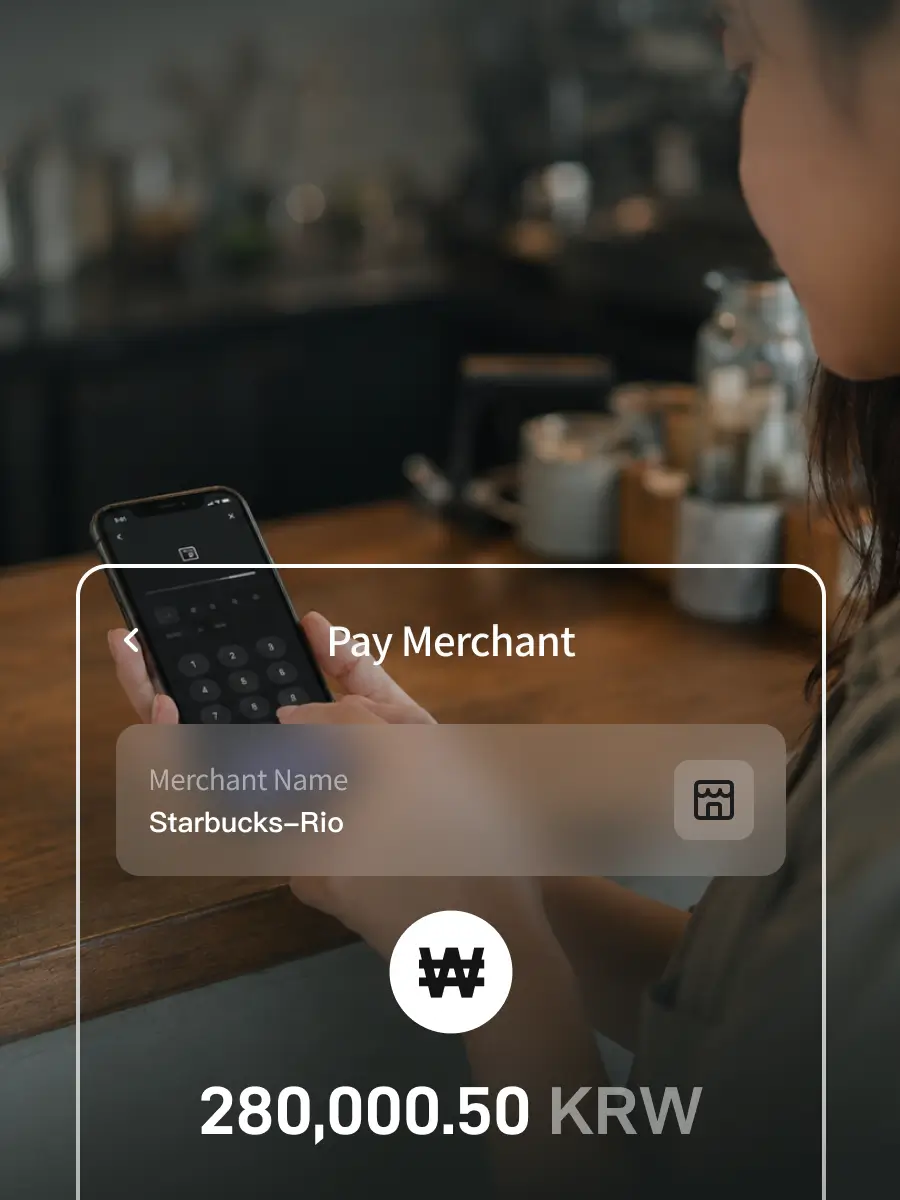
Step 3: Enter Amount & Select USDT / USDC
Step 4: Complete Payment

Questions? Look Here

Which QR codes are supported for scan-to-pay?
Currently supports VietQR (Vietnam), QRPH (Philippines), PIX (Brazil), Transferencias 3.0 (Argentina), and Yape (Peru) — five major local QR code payment networks.
Do merchants receive stablecoins or fiat currency?
Users pay with stablecoins while merchants receive local fiat currency, with no need to handle crypto asset settlement — achieving seamless payment and collection.
How can I view my order history after payment?
After successful payment, you can view order details and payment status in the BKJ App transaction history, making it easy to check and manage records anytime.
Are refunds supported?
Yes. Refunds must be initiated by the merchant — users cannot request refunds directly within the BKJ App. Once a refund is processed, associated payment fees will also be returned.